Reports
Get to know your plot.
Land data, planning information and constraints in one place. Explore them on the platform or share a PDF report.
More about Reports
#1 AI for land property analysis
Reports, API and Studio – three ways to work with property data.
From land data to investment decisions. Choose the way to work with Sitescope intelligence that fits your needs.
Get to know your plot.
Land data, planning information and constraints in one place. Explore them on the platform or share a PDF report.
More about Reports
Property data in your system.
Structured property data from official sources. We are developing the API for companies that want to use it in their own products.
More about the API
Explore what you can build.
Ask AI about a plot. Bring maps and planning documents together to understand what can be built and which constraints to consider.
More about StudioReports Sitescope
Select one or several plots and explore their potential. Get property information in an interactive platform and a PDF report you can share.
Generate a report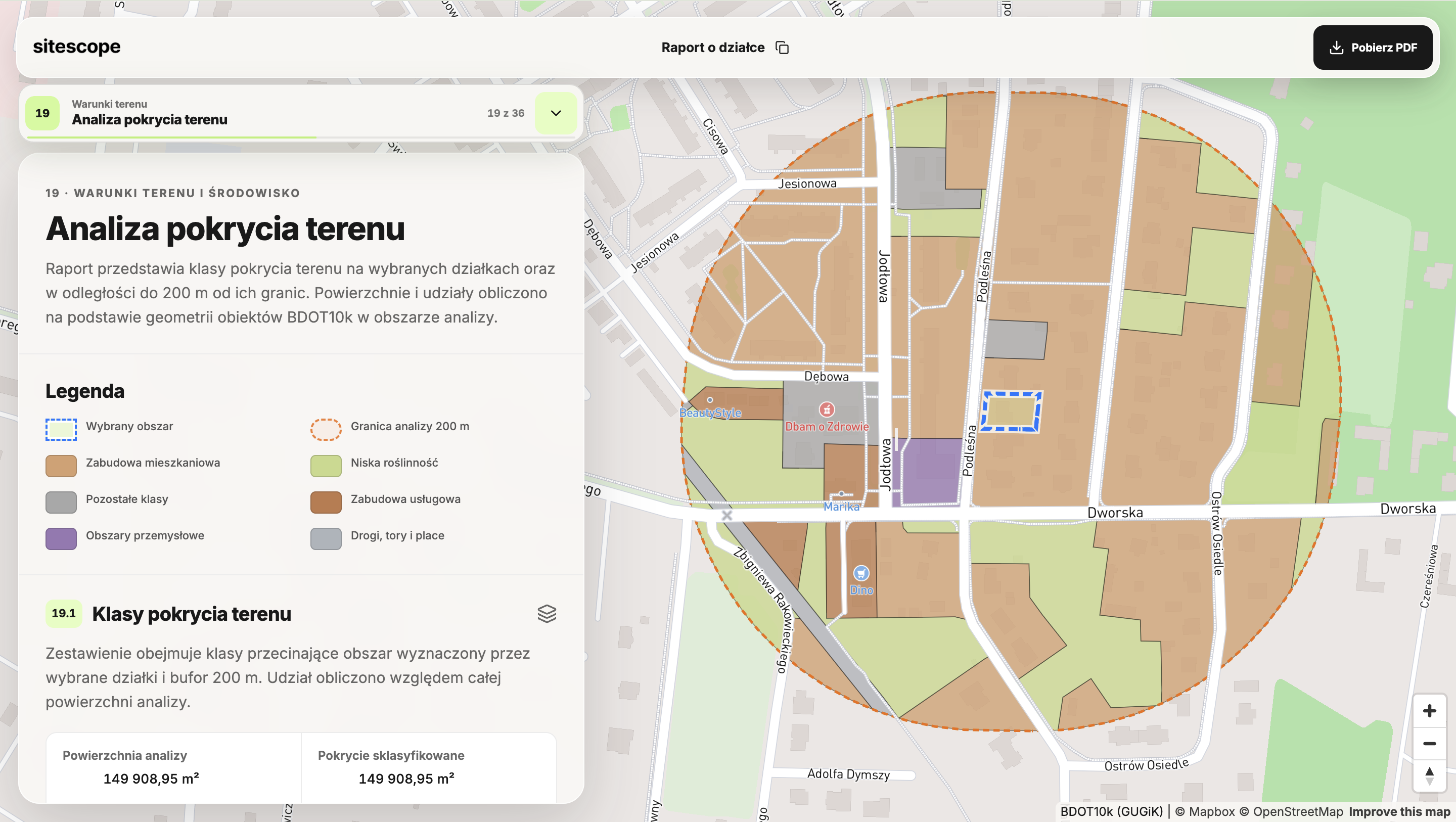
Sitescope
API
We are developing an API for companies that want to use property data in their own applications. From official sources to information tailored to your process.

Sources
Property data is dispersed across registers, documents and maps. We retrieve information from official sources and present it in the context of the selected area.
// Example API response
{
    "data": {
        "plot_id": "306401_1.0005.AR_02.21/42",
        "plot_area_m2": 1777.15,
        "plot_perimeter_m": 225.44,
        "plot_shape_class": "average",
        "plot_shape_ratio": 0.5828
    },
    "sources": [
        {
            "dataset": "pl-gugik-uldk",
            "authority": "G\u0142\u00f3wny Urz\u0105d Geodezji i Kartografii (GUGiK)"
        }
    ]
}
Illustrative example. Data coverage and response format are agreed for each integration.
Structure
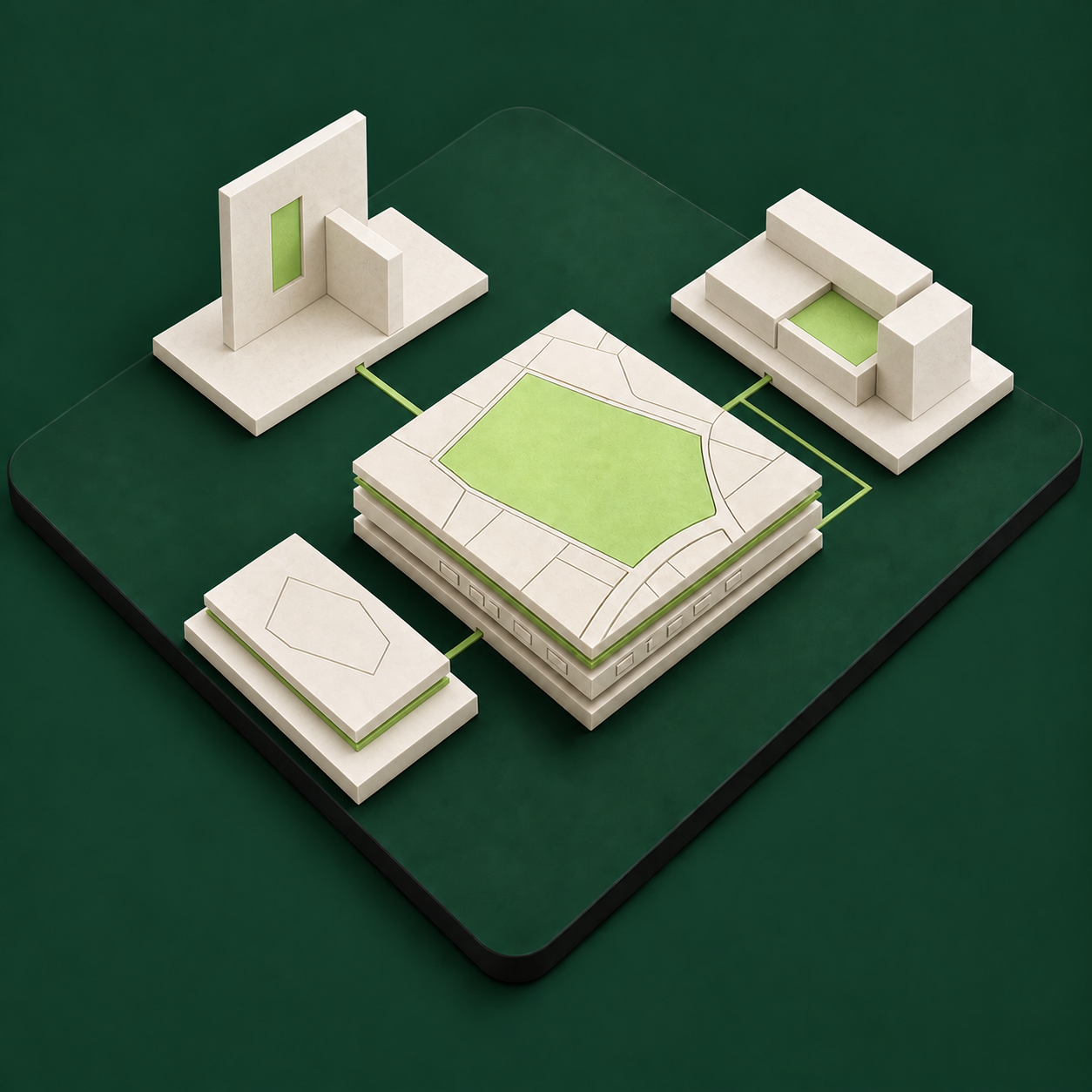
We organise field names, values and units so the information can be processed in an application. A plot’s identifier, area and perimeter share a clear, consistent structure.
Integration
A property portal, a PropTech application or an internal analysis system — data can support different ways of working. Together, we will define the required scope and how to connect it with your product.
Sitescope Studio
Studio brings together maps, planning, local regulations and AI. Get to know a plot, understand its conditions and see what can be built on it.

Plot
Choose a plot on the map. Its boundaries and surroundings become the starting point for your questions - from land use to development possibilities.
Sources
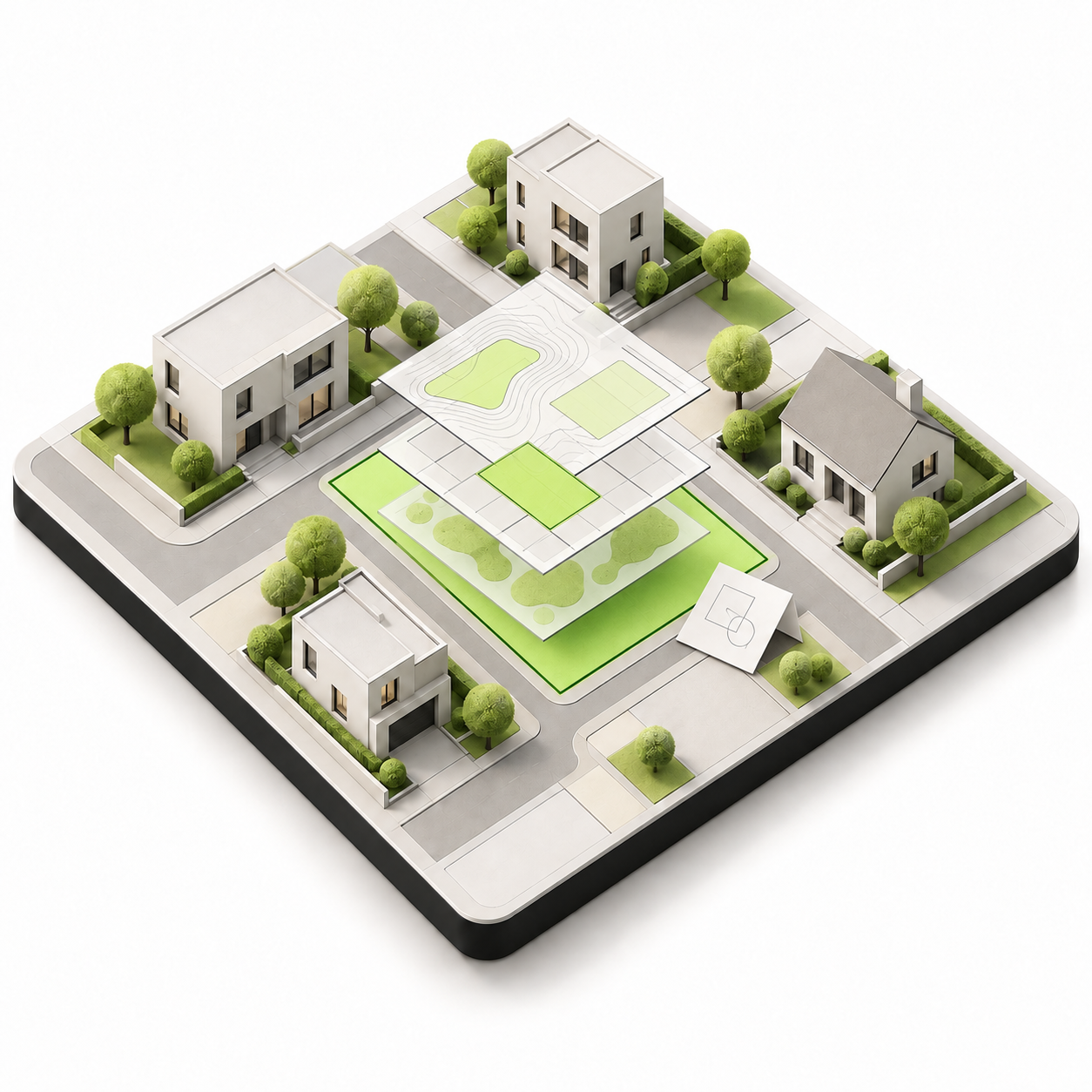
Bring planning documents together with parcel and location data. See how planning rules, infrastructure and environmental protection relate to the same place.

Possibilities
Ask AI about development possibilities. Explore permitted uses, building parameters and constraints. Return to the source documents to understand what the answers are based on.
Reports let you select plots and receive information on the platform and in a PDF. We are developing the API for larger organisations that want to use data in their own systems. Studio is a workspace built around an AI engine and planning documents.
Yes — Reports include an interactive view of plot information and a PDF format you can share. The preview on this page illustrates both presentation formats.
Larger clients and partners: property portals, PropTech companies, banks, insurers and public administration. Let's discuss the data scope and analyses your process needs.
Book a demo or get in touch. We'll show you the direction Sitescope is taking and discuss the available scope for your use case. The interactive elements on this page are demonstrations, not analyses of real plots.